NetAcquire Java Display Interface
Easy and efficient cross-platform data acquisition, display and control
With the NetAcquire Java interface, both standalone Java applications and browser-enabled Java applets can connect to NetAcquire hardware to obtain real-world interfaces to analog, digital, and serial data.
The NetAcquire Java Toolkit includes support for JavaBeans, which assists with interactive screen development. These components allow the convenient creation of real-time data display screens and virtual instrument front-panels.
The Java class files for completed applets can be uploaded to the NetAcquire server’s integrated Web server, making the applet immediately available across the enterprise.
Also included are sample programs that illustrate advanced real-time displays, including continuous data charting.
Applications
- Telemetry display
- Remote control/sensing
- Cross-platform test and measurement
- Internet wide-area monitoring
- Distributed man/machine interfaces
- Factory automation
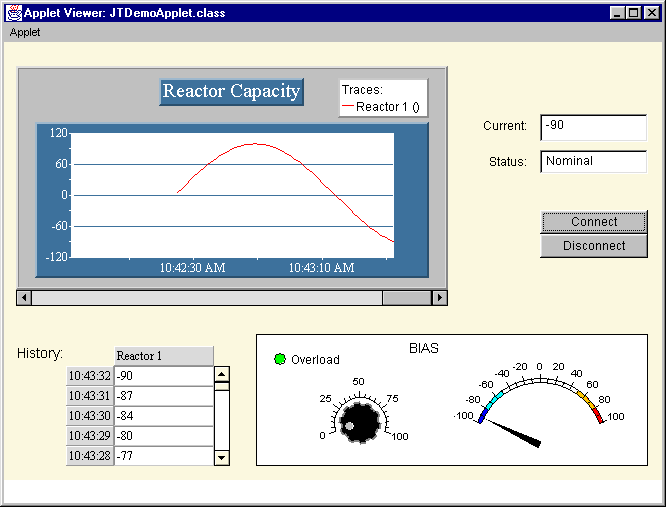
Virtual Instrument Display

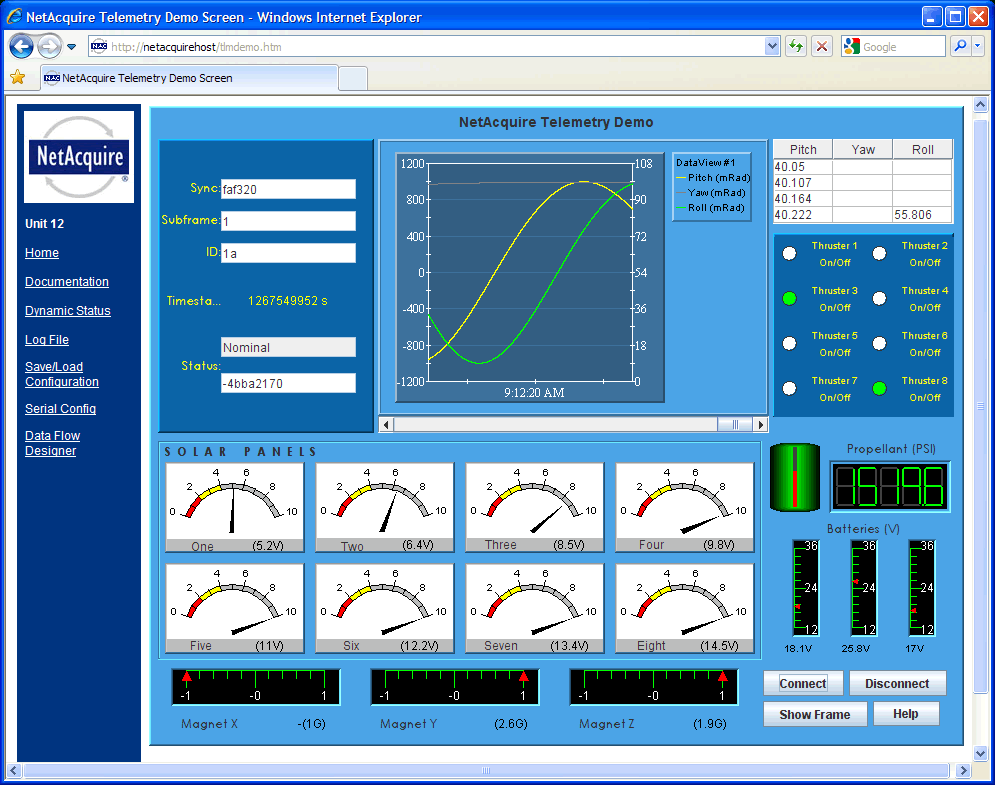
Telemetry Display

Features
- Java data acquisition, display, and control from local network or Internet
- Sophisticated and rapid graphical application development using JavaBeans components
- Advanced cross-platform and multi-threaded architecture for “write-once, run everywhere” systems
- Hardware input/output capabilities for hardware-independent Java language
- NetAcquire client/server model allows time-critical code to run on the NetAcquire server side
- Integrated Web server on the NetAcquire server maintains applet security model
- Built-in management of all low-level details of network input/output, flow control, and error detection
- Data transfer and configuration parameters use architecture-neutral data encoding
- Support classes included for exceptions, logging, and applet/application transparency
- Java browser plug-in (JRE) supports applets running on many operating system and computer combinations
- Compatible with Internet Explorer, Firefox,
Chrome, and Safari browsers
Telemetry Features
- Telemetry decommutation support
- Measurand capability includes integer/float, signed/unsigned, MSB/LSB bit ordering, 1-64 bit widths, unaligned start and end bit offsets
- Engineering unit conversion and unit names
- Multiple telemetry maps, subcommutation, super-commutation, and CCSDS